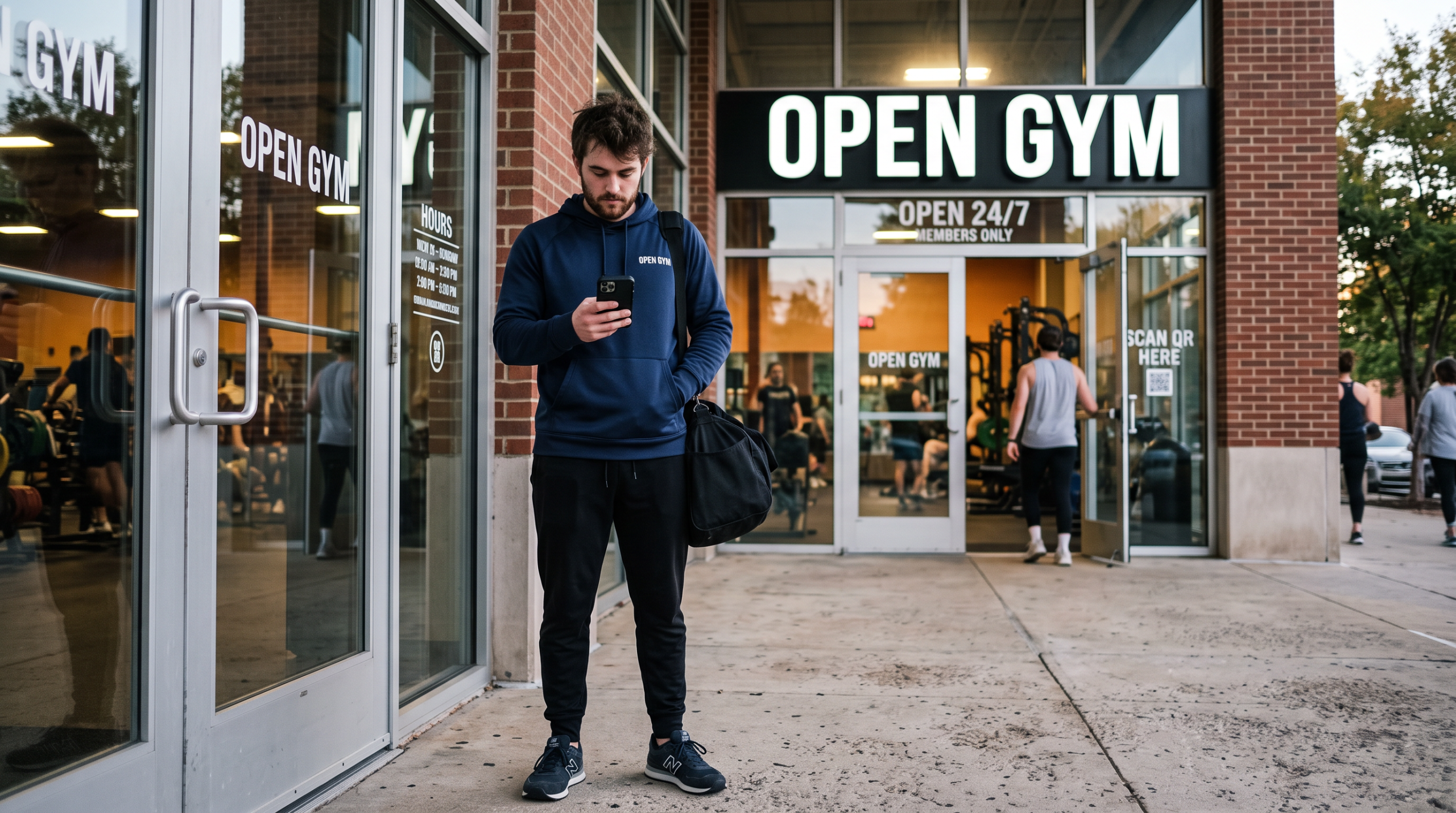
The latest update to GymOS brings several new features, including a new way to manage Open Gym (and other “drop-in” sessions). It is accompanied by a corresponding mobile app update for both Android and iOS.
Drop-in Sessions (Open Gym)
Until now, Open Gym sessions in GymOS have been treated the same as regular sessions. Members would need to book in advance, which would typically lead gyms to schedule many Open Gym sessions per day. The new “drop-in” session type is perfect for Open Gym and other sessions where the member may arrive on spec and leave at any point.
Whilst members may still book in advance, it is no longer required. Instead, for drop-in sessions, members may arrive at any point and simply “check in” via the GymOS mobile app. This creates their booking, takes payment (as appropriate), and marks them as having arrived for the session. Members may either explicitly check out upon leaving, or GymOS will “assume” the member has left after a configurable period.
Additionally, the gym may configure to receive pop-up “toast” notifications in the GymOS dashboard for events, including every check-in, failed check-ins, and those with overdue payments.
The new approach greatly streamlines the Open Gym process and allows gyms to schedule Open Gym as a contiguous block of time. This also declutters the schedule and makes it much easier for members to find and book.
Further details can be found in the support article.
Pop-up Toast Trigger Action
The new pop-up toast alert type has a corresponding trigger action type that may be used with any trigger. This enables a pop-up message to be displayed in the administration portal for any team members logged into GymOS at the time of the event. The most recent toast messages for the day may be reviewed in a new widget on the dashboard.
Trackable workout comments
Members may now optionally record a comment against an exercise in trackable workouts. This comment is displayed to the member in subsequent workouts for the same exercise. For example, if the member performs a substituted movement, they may record what they did instead. This is visible to both the member and the coach.
Overriding invoice/receipt details
Some members may pay for their gym membership through their company or another means. It is now possible to provide overriding contact details for invoices or receipts generated for a member, as described here.
Mobile app update
This release includes a corresponding update to the iOS and Android mobile apps, version 2.4.4. This implements support for drop-in gym sessions and trackable workout comments. It also introduces a new video player that supports full-screen viewing and rotation to landscape view.
Behind the scenes, the app includes bug fixes, security updates, and other improvements.
In line with Apple’s minimum version guidelines, the oldest supported iOS version has been updated to iOS 15. The requirements for Android are unchanged, but in line with Google’s guidelines, require a 64-bit device and Android version.